One free app for SSH, SFTP, tunnels and serial consoles, on macOS, Linux and Windows
Last updated
MyXterm is a free, open-source (Apache-2.0) terminal, SSH and SFTP app for network, security and systems engineers, on macOS, Linux and Windows. It always shows which host your keystrokes go to. No accounts, no telemetry, no paid edition. It is pre-alpha.
PRE-ALPHA No signed release. Unsigned preview builds for some platforms, or build from source. Developed and run on macOS (Apple silicon) Windows and Linux build in CI, not hand-tested
At a glance
- What
- Terminal, SSH, SFTP, tunnels, serial consoles, Telnet, mosh, RDP/VNC launchers and network tools in one desktop app
- For
- Network, security and systems engineers (NOC, SOC, SRE, sysadmins)
- Price
- 0. Free for everyone, no paid edition, no license keys, no account
- License
- Apache-2.0
- Platforms
- macOS, Windows, Linux. Developed and run on macOS (Apple silicon); Windows and Linux build in CI, not hand-tested
- Status
- Pre-alpha. No signed release. Unsigned preview builds for some platforms, or build from source.
- Language
- Rust; the UI uses GPUI, the GPU UI framework of the Zed editor
- First commit
- Source
- github.com/adramelech/MyXterm
- Developer
- Pavel Stegnii
- Telemetry
- None. Secrets are stored only in the OS keychain
Who it is for
Network, security and systems engineers (NOC, SOC, SRE, sysadmins) spend all day in terminals, often on production devices. The tools they use are often Windows-only or paid. Some are slow or cluttered. Others are unsafe in small ways that cause outages: a file browser showing a different host from the terminal, the same MFA prompt twice, a frozen tab, chaos at 100 tabs. MyXterm is a free, open-source alternative to MobaXterm for that work, native on every desktop OS, including Mac and Linux. It imports MobaXterm, PuTTY, SecureCRT and OpenSSH sessions.
Safe by design
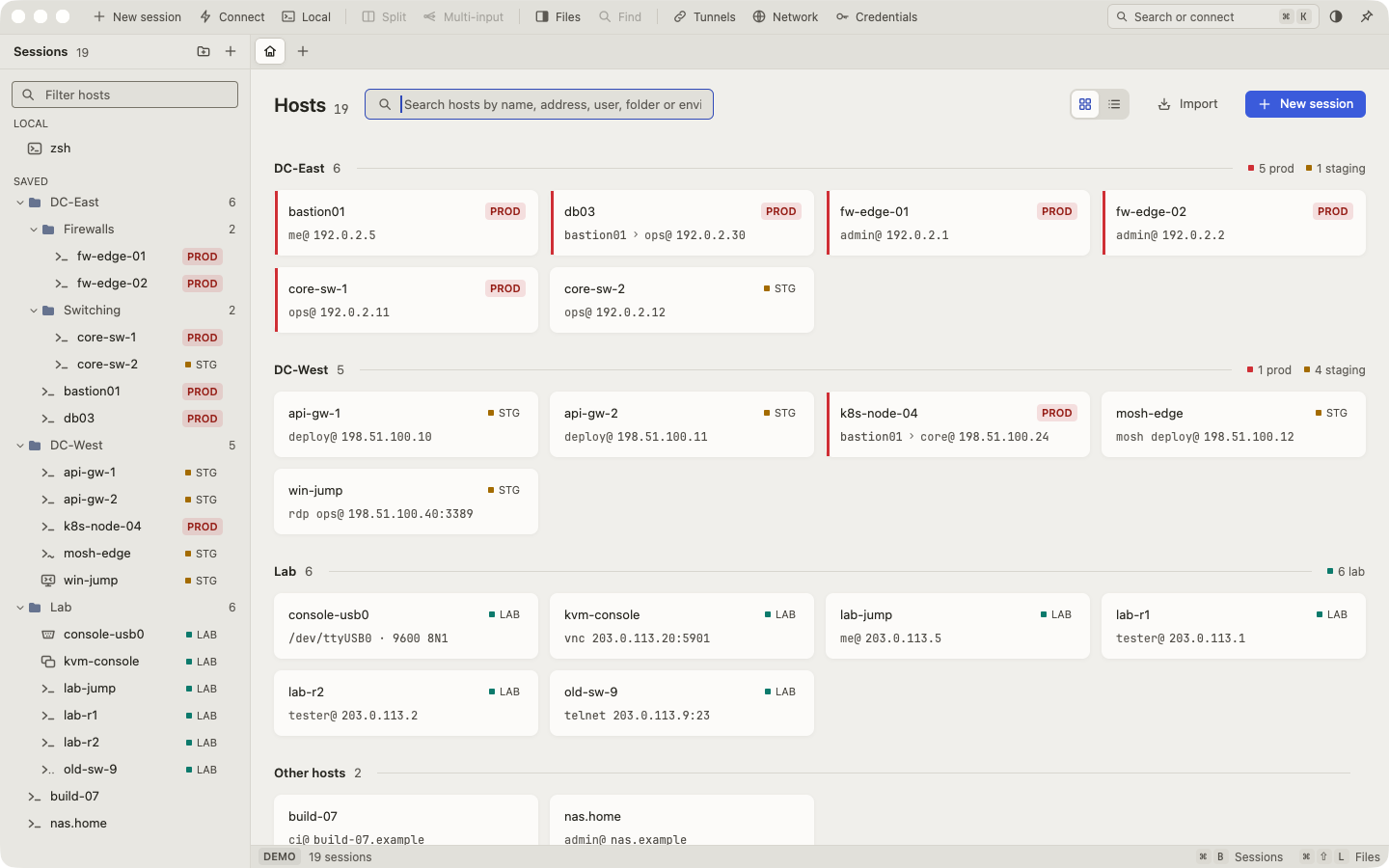
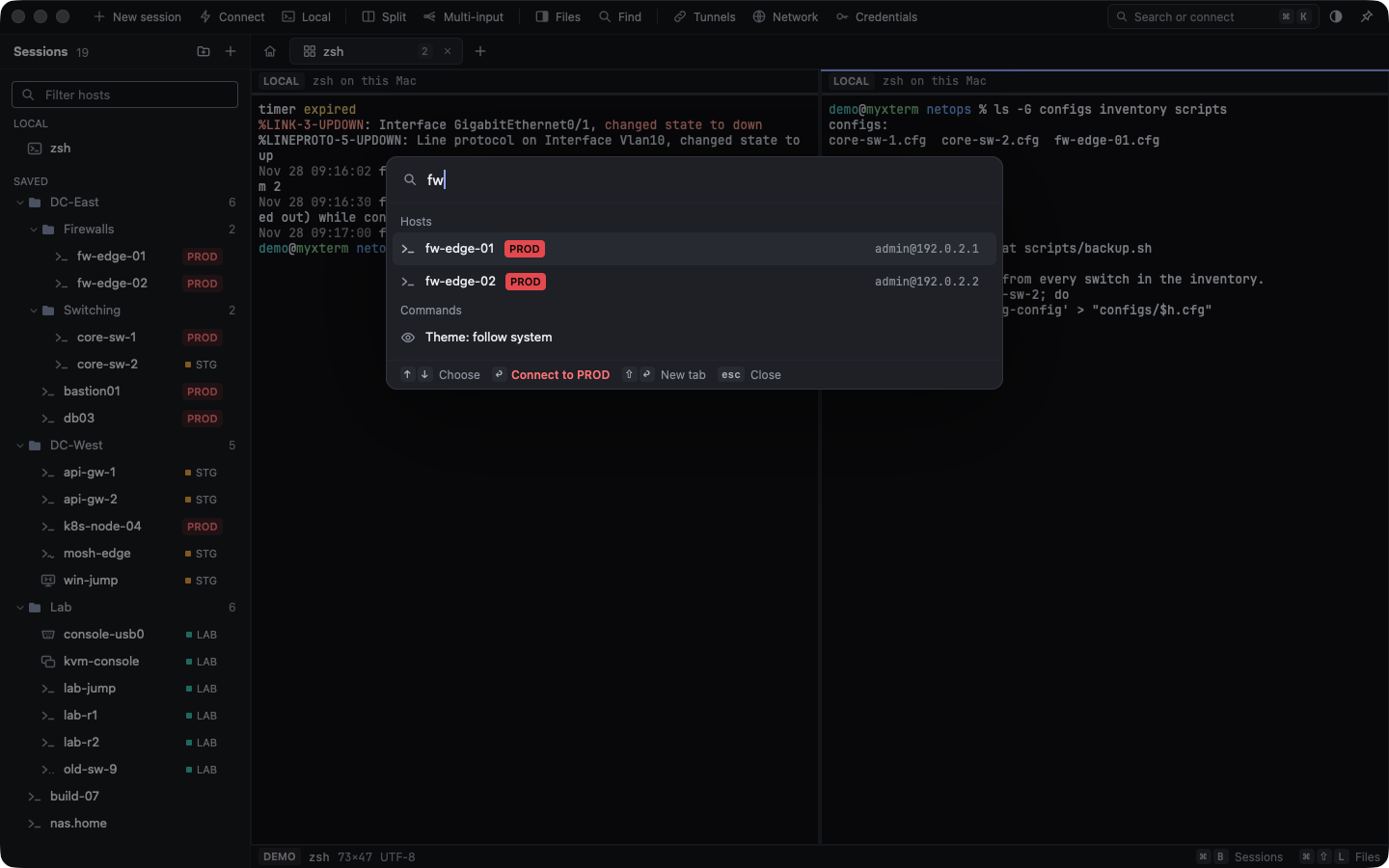
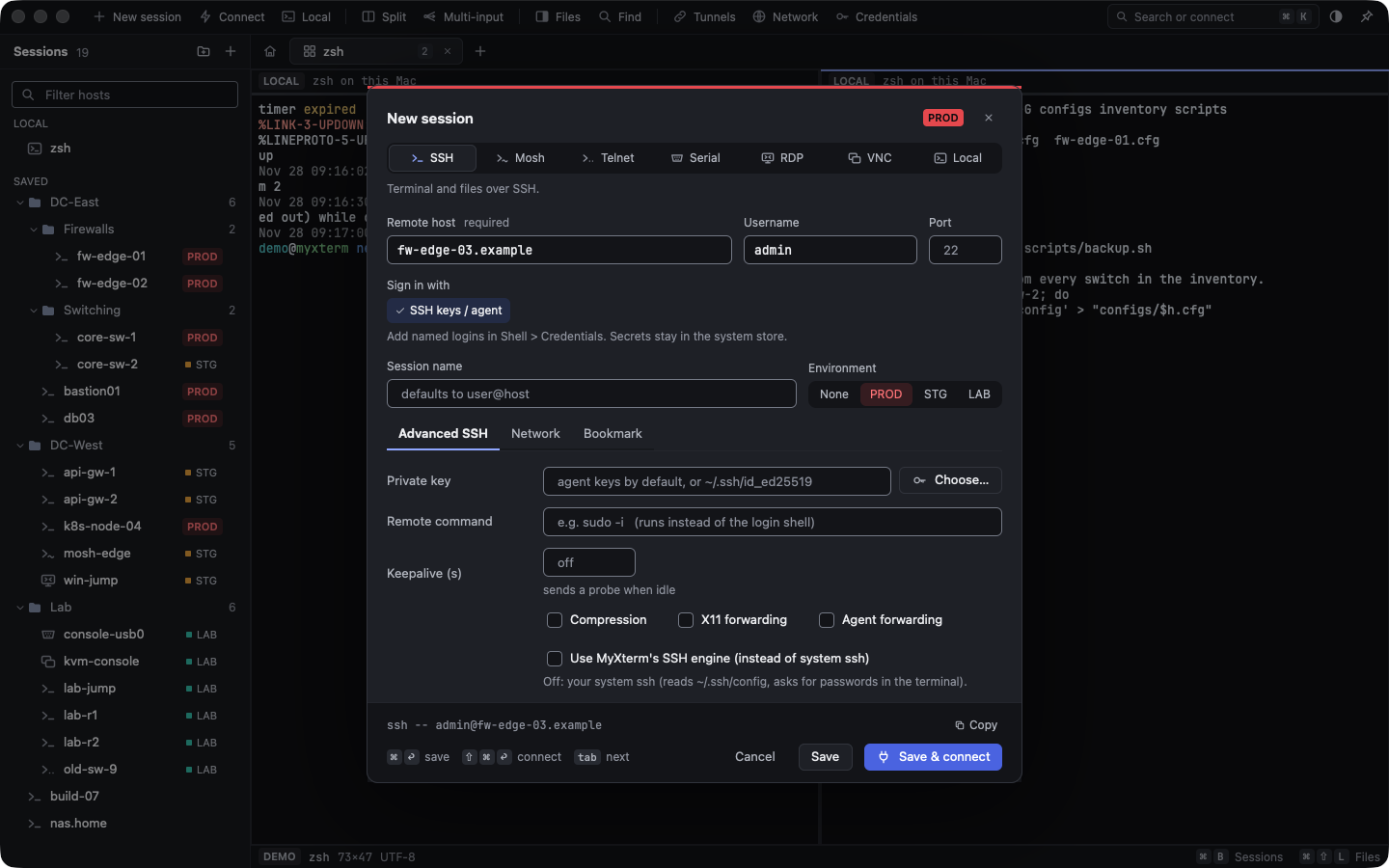
Every remote pane has an identity strip that can't be hidden: host, hops, environment. Production is marked by more than colour. Selecting a PROD host shows Connect to PROD
in words, not only in colour. A changed host key is a hard stop, never accept once
.
Fast
A GPU-rendered terminal built against a written performance budget. The design rule: an idle window draws no frames and runs no polling timers. Most budget numbers are targets and are not all measured yet.
Everywhere
One product on macOS, Windows and Linux, with platform conventions respected (⌘ on macOS, Ctrl+Shift elsewhere).
Yours
Local-first. No accounts, no telemetry, no cloud, works offline. Secrets live only in the OS keychain. Privacy
Principles
Free forever
Apache-2.0. No paid editions, premium features, license keys, subscriptions, ads, mandatory accounts or telemetry. Companies get every feature, enterprise ones included.
Local-first
Your sessions live in a local store on your machine. No account, no mandatory cloud, works offline. Optional integrations (for example password-manager CLIs) stay optional.
Secrets only in the OS keychain
Named credentials are stored in the macOS Keychain, Windows Credential Manager or Linux Secret Service. There is no plaintext fallback, ever. Secret fields are never shown again after you type them.
Production safety
A PROD host is marked by a text tag everywhere it appears (STG and LAB too), not only by colour. Risky actions on PROD confirm with the host name, and Enter alone never confirms there. Security model
What works today
on macOS; most items are partial against their full specTerminal
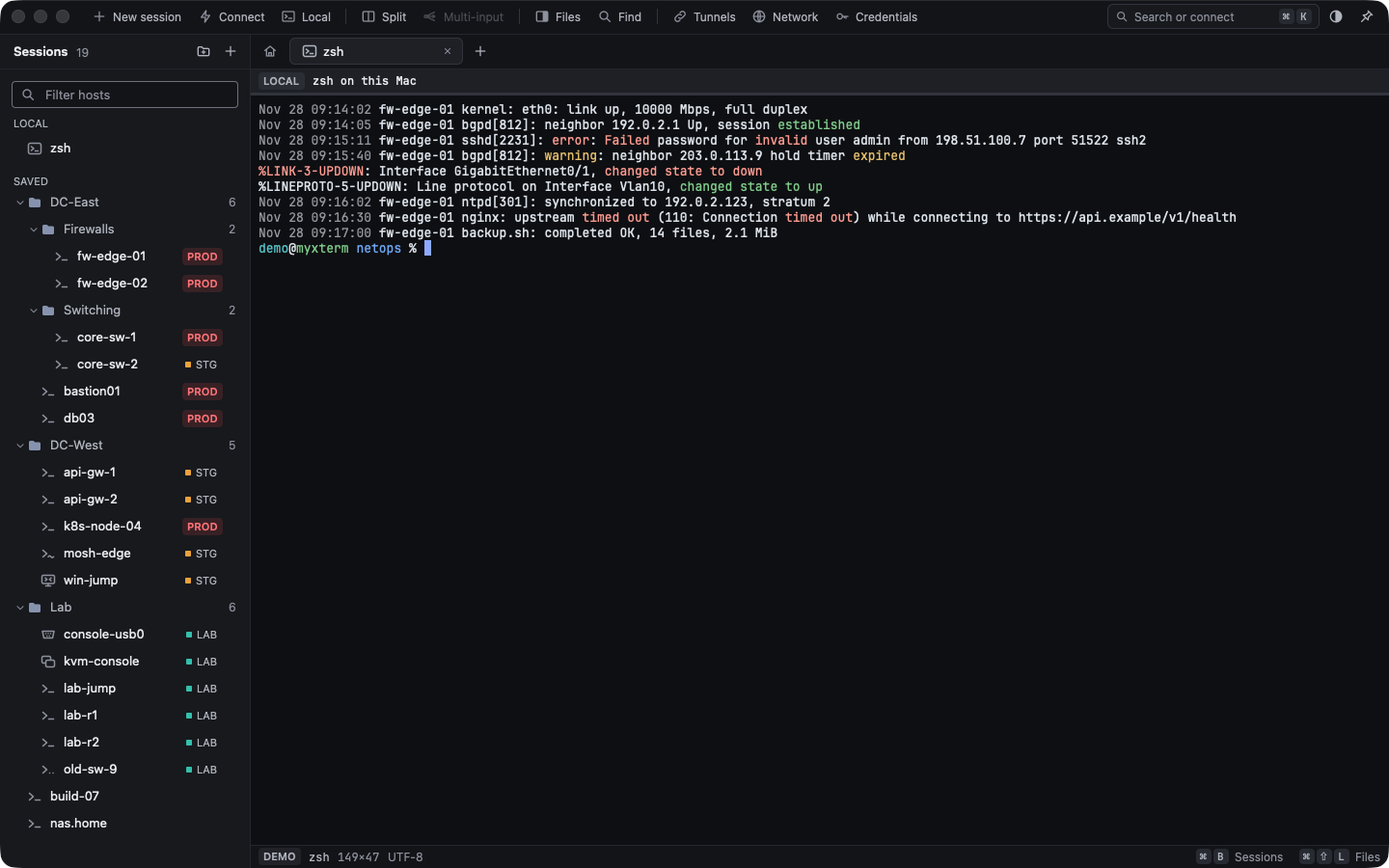
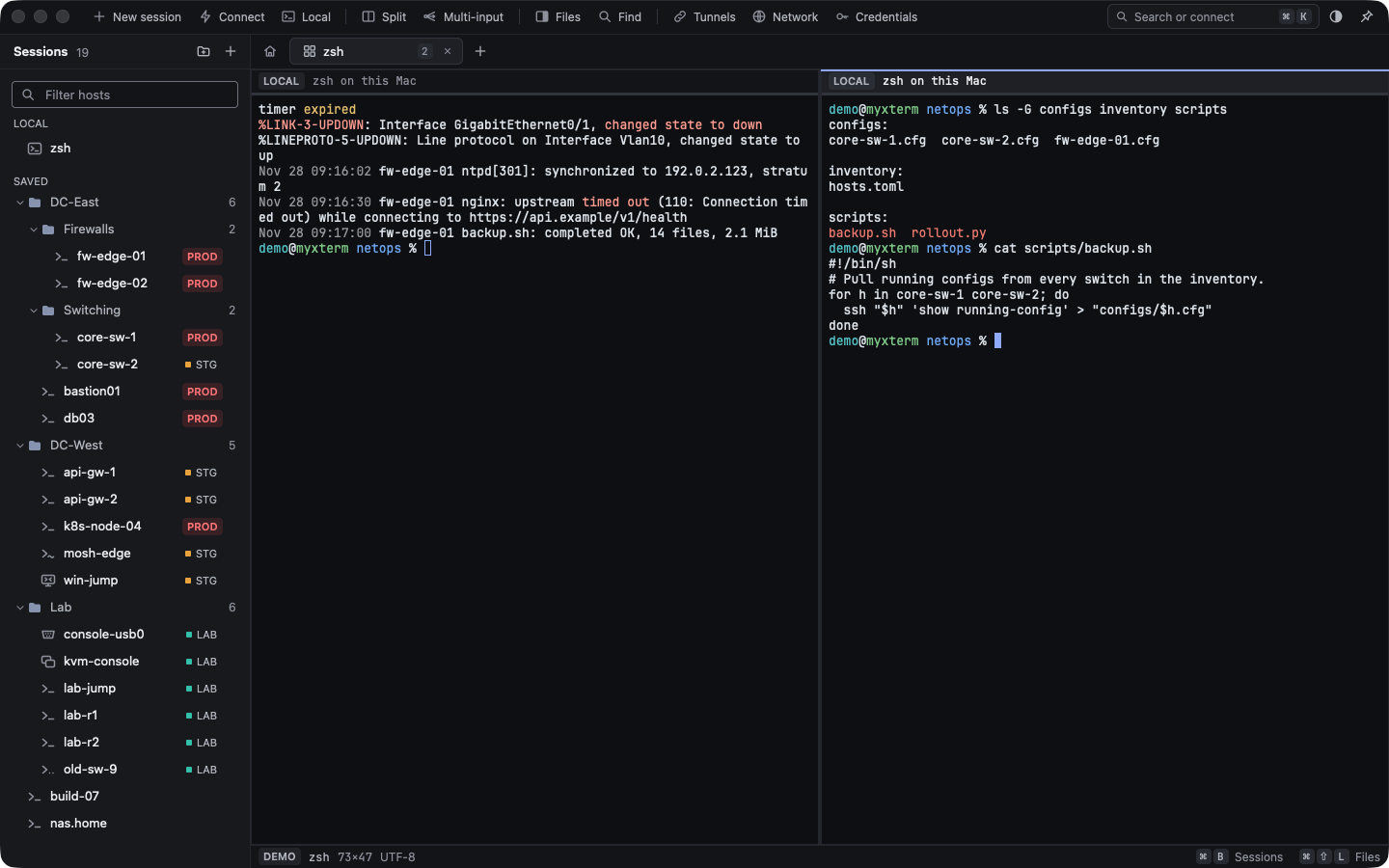
- GPU-rendered terminal, local shells (zsh, bash, fish, PowerShell, WSL detection), tabs and split panes
- Scrollback search, paste guard (always on for PROD), working-directory tracking, per-pane font zoom
- Session logging and output highlighting (both partial)
SSH
- System OpenSSH, or the built-in engine with in-pane sign-in: password, keyboard-interactive/MFA, keys, agent
- Host-key card with fingerprint; a changed key is a hard stop
- ProxyJump chains,
~/.ssh/configimport - Reconnect bar in the same pane, scrollback kept
Files (SFTP)
- Files dock bound to the tab's own connection, never inferred from prompt text
- Two-panel Commander (local and remote)
- Verified transfers: temporary file, atomic rename, SHA-256 check; conflict cards
Sessions and credentials
- Session store designed for 10,000+ hosts: folders, environments, favourites, recent (sidebar index measured at 10,000 sessions; the in-app frame is not measured yet)
- Import from MobaXterm, PuTTY, SecureCRT, Royal TS and OpenSSH config
- Named credentials in the OS keychain; optional 1Password, Bitwarden, KeePassXC CLIs
More protocols and tools
- SSH tunnels (local, remote, SOCKS), loopback by default
- Serial consoles, Telnet (marked unencrypted), mosh
- RDP and VNC in the system client, no password on the command line
- Network toolbox: ping, traceroute, DNS, TCP port check, Wake-on-LAN
App
- Dark, light and high-contrast themes
- Command bar, menus from one command table, command palette
- Searchable settings, toasts, JetBrains Mono bundled
Planned, not there yet
- Signed releases, installers and signed update checks
- Hands-on verification on Windows and Linux (today they compile and pass CI only)
- Workspaces, snippets, Run on N hosts
- FTP/FTPS in the app (the protocol core and transfer engine exist; the Files and Commander integration is next)
- Everything else on the roadmap
Progress is tracked per feature with acceptance criteria. Of 200 tracked features, 53 are partial, 1 is in progress and 146 are planned; none is counted as implemented or verified yet, because verified
means its tests pass on every applicable platform. Full feature status
Screenshots
Captured from the real app in demo mode on macOS (invented hosts on documentation addresses). These show local terminals; no remote-session capture is published yet.
Connect to PROD
ssh preview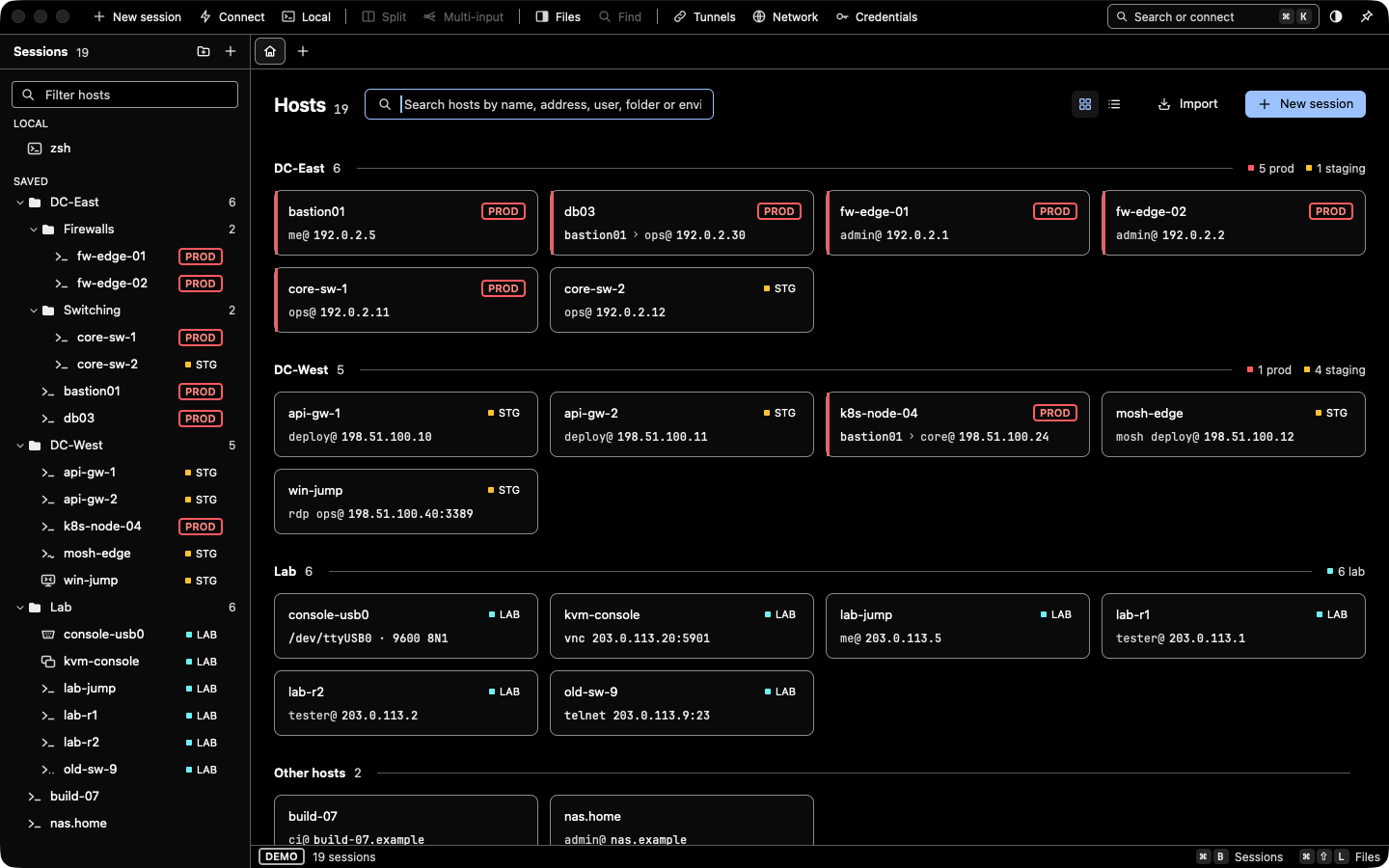
How it's built
- Rust throughout; the UI runs on GPUI, the GPU UI framework of the Zed editor.
- Separate crates with typed interfaces: terminal, SSH, SFTP/files, FTP, tunnels, serial, telnet, vault, sessions, network tools. One session's crash never affects another.
- Architecture decisions are recorded as ADRs; every change passes a gate of fmt, clippy, tests,
cargo denyand gitleaks. - Claude Code (Anthropic) writes the code. A second AI model, Fable, reviews design, architecture, security and performance at fixed gates, and its reviews are kept word for word in the repository. No human or third-party security audit has been done yet.
Contributing · Discussions · Changelog · Report a security issue
Short answers
- Is it free?
- Yes, forever: Apache-2.0, no paid edition, no license keys, no account.
- Can I download it?
- No signed release. Unsigned preview builds for some platforms, or build from source. Download page
- Does it import MobaXterm sessions?
- Yes: SSH sessions and folders, without reading saved passwords.
- Where are passwords stored?
- Only in the OS keychain. No telemetry, no cloud.